 WeekSquire
Plan your whole week in five minutes.
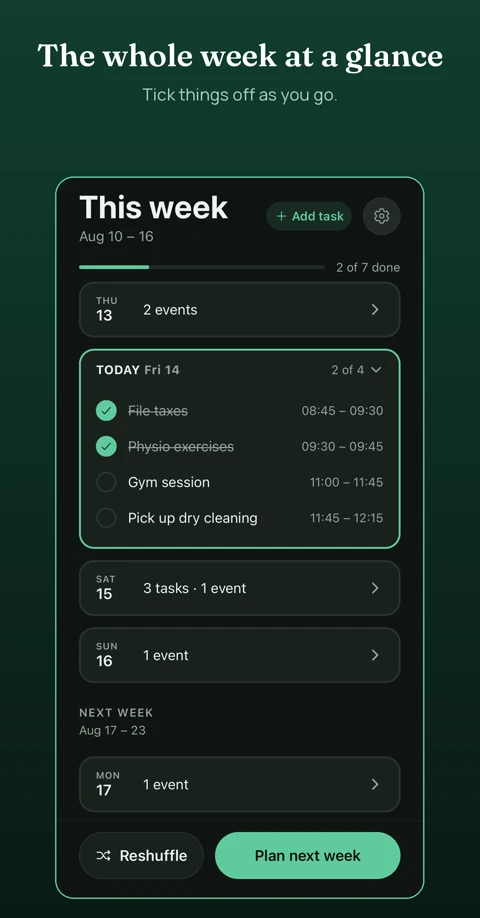
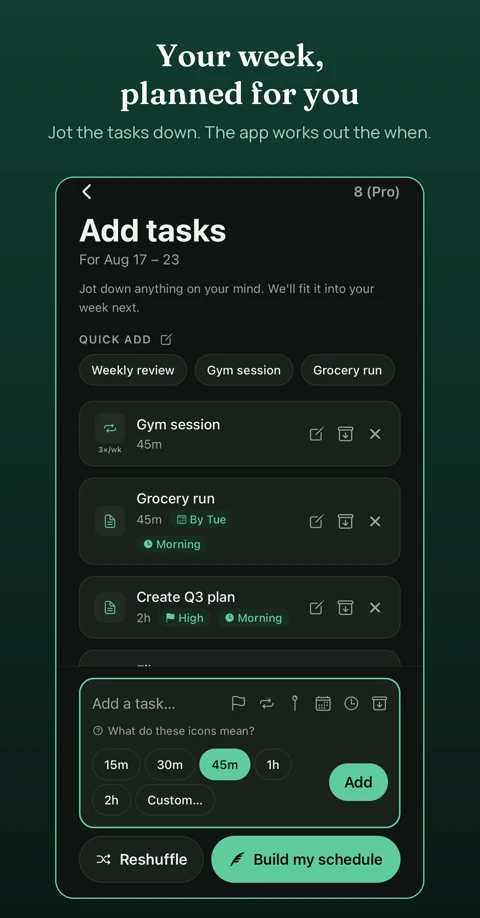
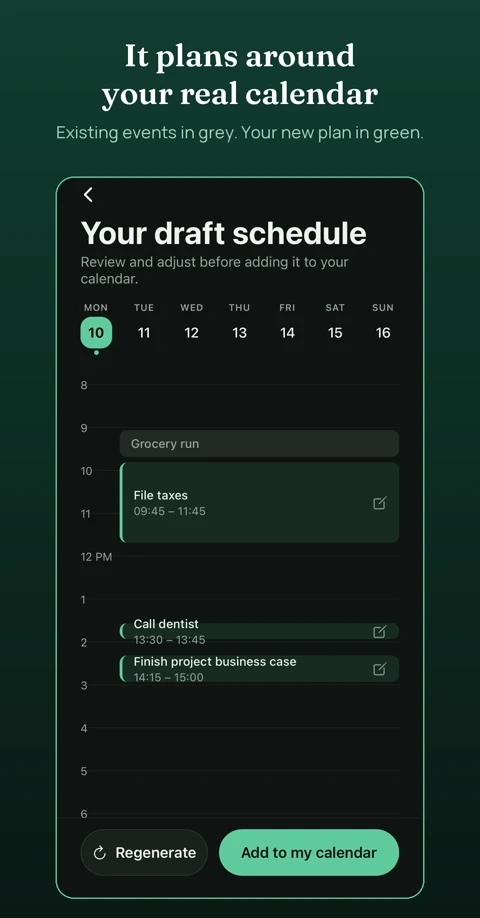
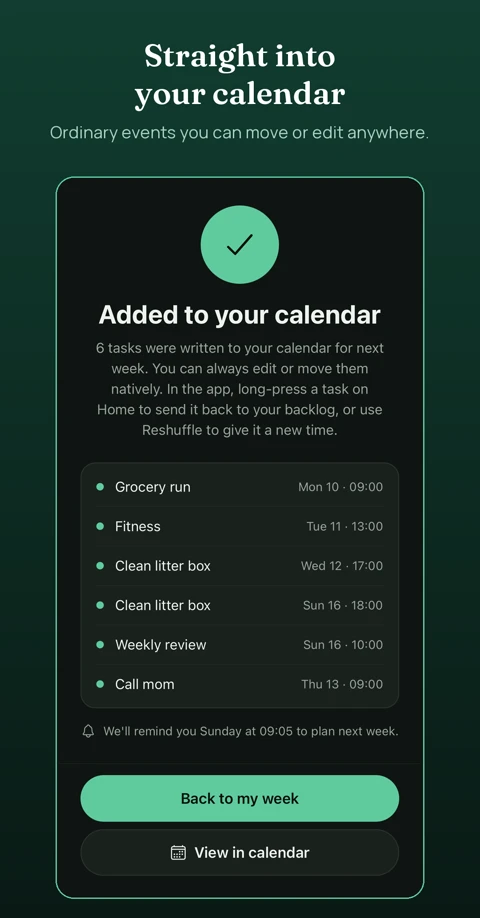
Most weekly plans fall apart by Tuesday. A list in your head has no times on it, so the week fills up with everything else. Brain-dump what needs doing. Once a week, WeekSquire proposes times around the calendar you already keep. You review, adjust and confirm. It becomes real events on your calendar.
No account needed Nothing sold Free to start
Works with the calendar you already keep
One-way sync. WeekSquire reads what is already on your calendar, proposes times for your tasks and writes the plan you confirm straight into it.
Plan the rest of this week
New users who start early in the week can plan the days that are left instead of waiting for next week.
Pins, deadlines and time of day
Pin a task to a day, set a deadline or limit it to mornings, afternoons or evenings. Pinning one day is free; more days are part of Pro.
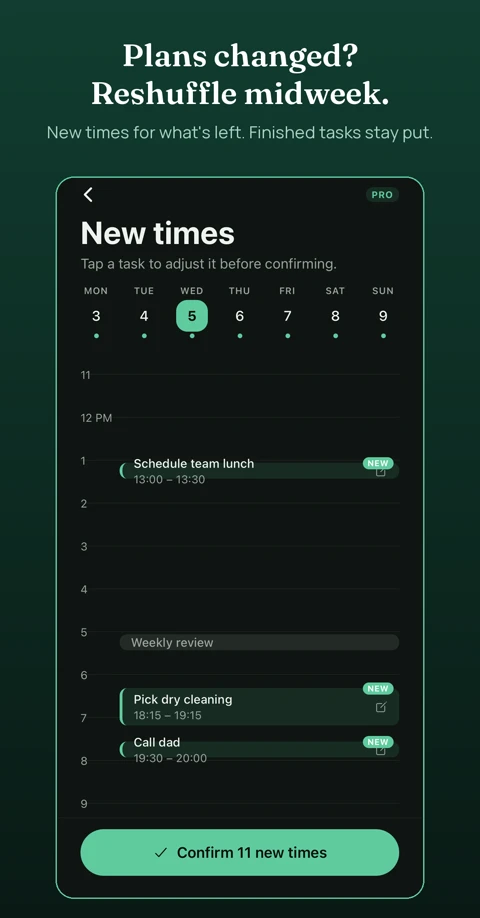
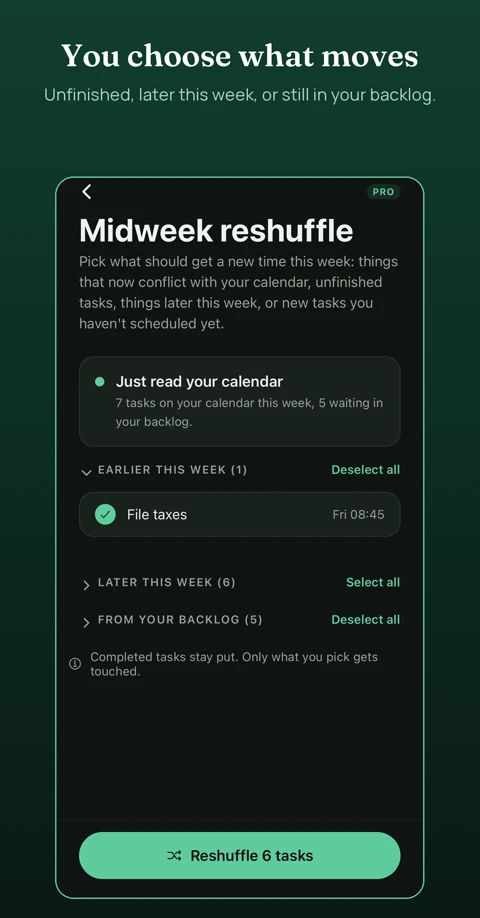
Adapts when plans change
Midweek reshuffle re-reads your calendar and moves what is left, with no guilt if the week did not go as planned. Reshuffle and recurring tasks are part of Pro.
Reminders that fit your week
A weekly planning reminder, Sunday at 6 pm by default, with the day and time up to you. An optional evening check-in only appears on days with planned tasks.
No account, ever
Nothing to sign up for and nothing sold. Your device is the only identity WeekSquire needs.
How it works
Three steps, once a week.
Built for the week you actually have.
Tasks move, get bumped or wait. Nothing about a changed plan is a failure.